There is a difference between collecting papers and reading them. A growing list of tabs can feel like progress, even when I still have to work out which paper matters, what background I am missing, and whether a result is relevant to the question I started with.
I built LazyDigest for Hacktoberfest around that gap. The idea was a research digest that knows what I am interested in and explains papers at a level I can use. The project's Week 3 write-up grew into iPDF under the Slow and Steady theme. That progression is part of the story: the digest helped organize the reading, then the project moved closer to the paper itself.
Start with the reader
LazyDigest began with a few preferences: a name, research topics, and a comfort level. Topics included artificial intelligence, machine learning, quantum physics, computer vision, language, and robotics, with room for custom interests.
The level changed what an explanation should do. A beginner needed ordinary language and prerequisites. An intermediate reader needed the method and key result. An expert needed assumptions, limitations, and what changed relative to earlier work.
That distinction mattered more than making every summary shorter. The same paragraph can be too dense for one reader and too vague for another.
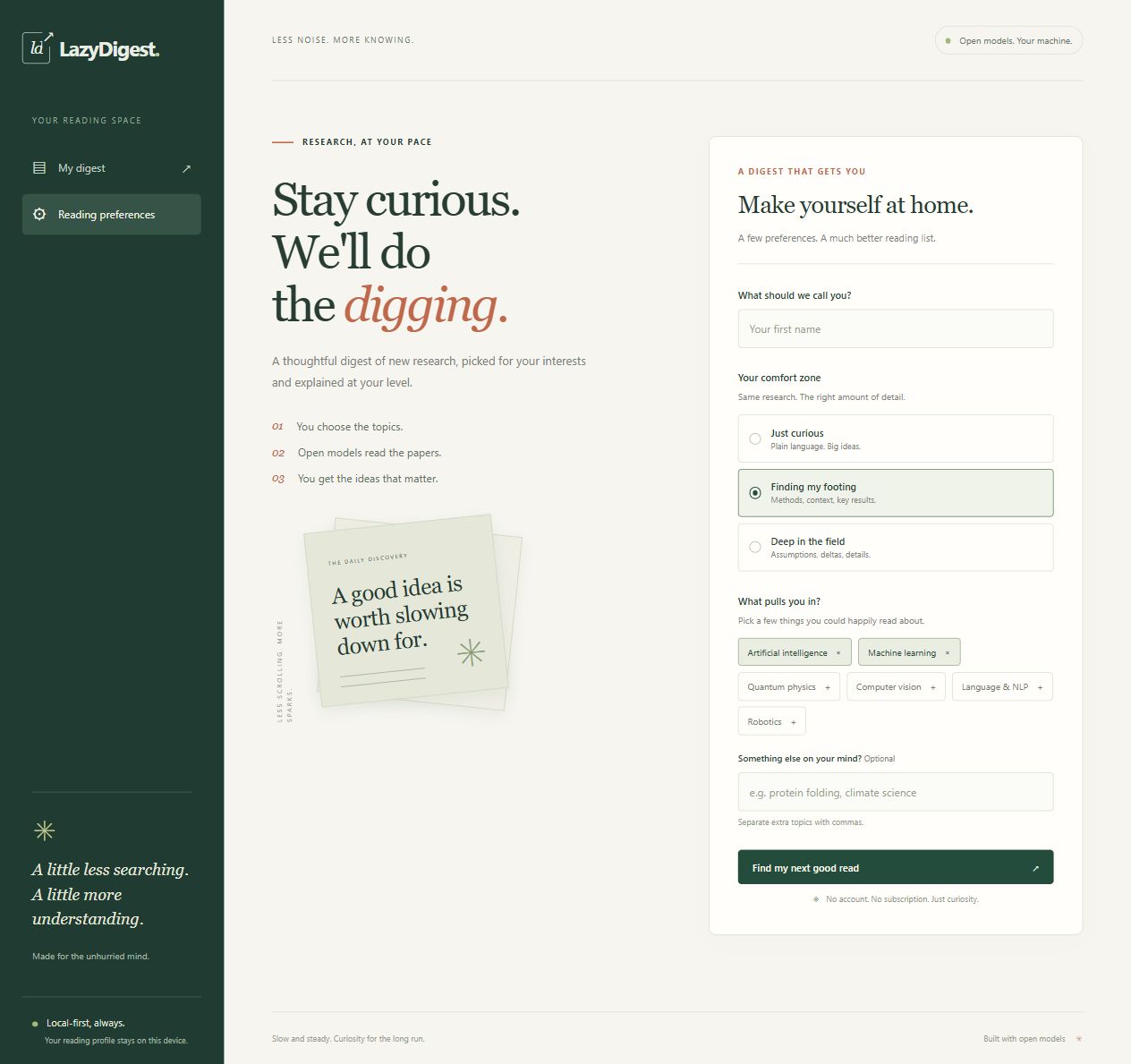
The original LazyDigest setup screen, rendered from the preserved interface templates. The archived design starts with the reader's interests and comfort level.
Give every paper a useful shape
The pipeline fetched recent matching papers from arXiv, with an optional RSS source. Each summary followed a schema: a TL;DR of at most two sentences, exactly three key points, why the work matters, prerequisites, limitations, a reading priority, topic tags, and a difficulty estimate.
Those fields gave the digest a consistent shape. I could look for the contribution and its caveats without having to decode a different response format for every paper. Pydantic checked the structure before the result moved through the pipeline.
Ranking then combined topic relevance, recency, whether a paper had appeared before, difficulty fit, and the suggested reading priority. The digest kept up to eight papers. For the highest-ranked entries, a deeper analysis could add method steps, assumptions, reproduction checks, and open questions.
This was a way to decide where to spend attention. Reading the original paper remained part of the workflow.
Make uncertainty visible
A tidy summary can still contain an unsupported claim. LazyDigest therefore included a separate model-based grounding check against the available source text. When a summary failed, the pipeline used the reported concerns for one regeneration attempt, then checked it again.
If the second check still failed, the digest marked the result unverified and retained the concerns. If the judge was unavailable, the result also failed verification. The Markdown export included source links, model names, and verification status.
A passing model judgment cannot guarantee correctness. Missing source text also limits what any check can establish. Keeping those limits visible was part of making the digest useful enough to question.
Let small feedback accumulate
The feedback controls were deliberately simple: thumbs up, thumbs down, too hard, and too easy. Relevance feedback adjusted topic weights. Difficulty feedback accumulated toward a change in reading level.
That adaptation used saved preferences and ranking rules; it did not train a model. It was a small mechanism for making the next reading list fit better.
Caching served a similar purpose. Summaries could be reused for a paper, level, and model, while daily digests were tied to the reader's profile. When a source was unavailable, saved matching papers could still appear with a warning and their original dates. Quietly presenting old papers as fresh would have made the fallback misleading.
Why the project became iPDF
The next step was to bring explanations into the reading experience. iPDF keeps the original paper in view and adds page-linked glossary entries, study cards, source-table charts, and section narration. Its versioned JSON format and portable HTML export let the prepared edition exist outside the application.
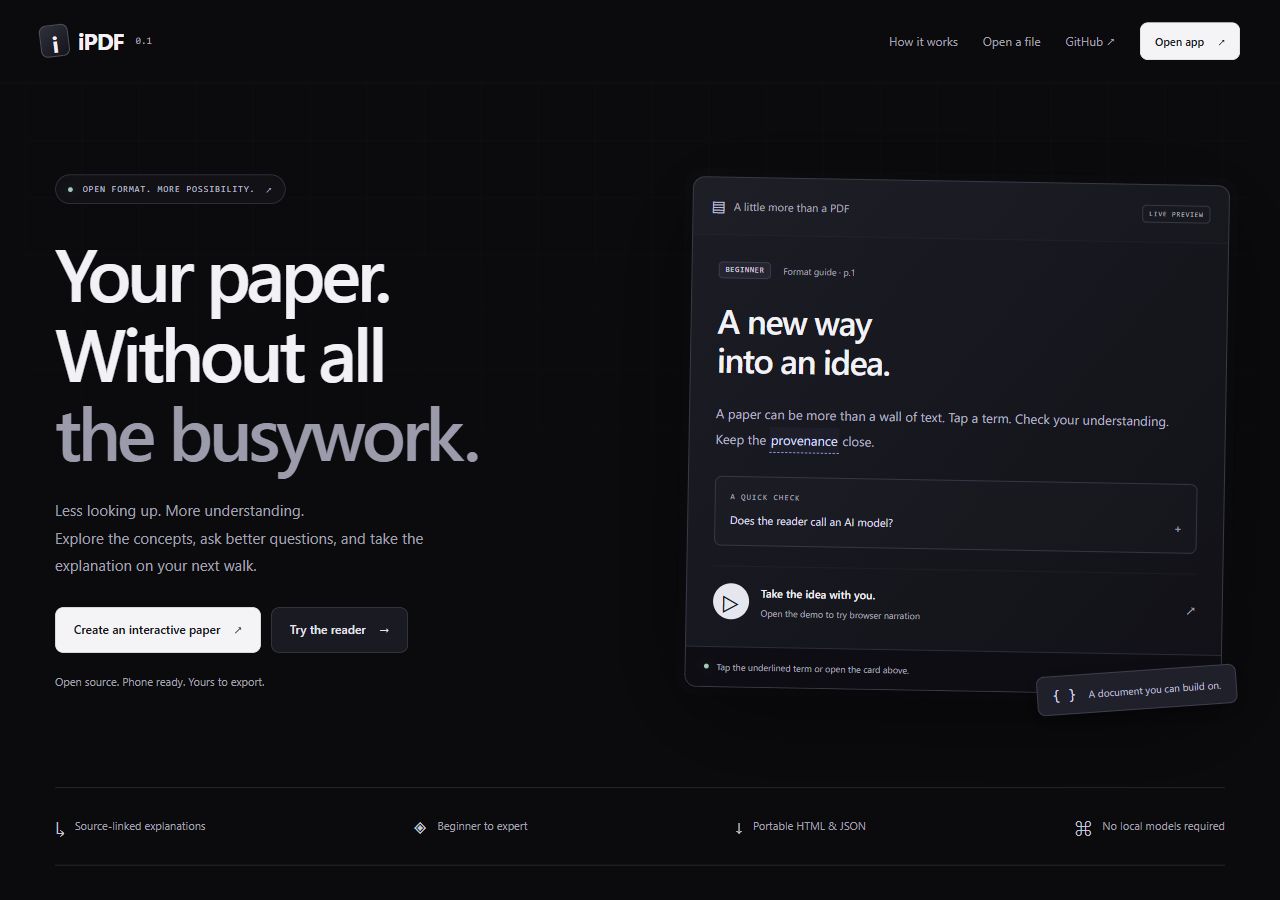
The later iPDF project page: explanations and study tools move into the paper's reading experience.
That is a different output from the original digest. LazyDigest selected and summarized papers; iPDF helps a reader work through one. The original LazyDigest module is preserved in the repository, but it is archived and requires adaptation before it can run with the current shared services. The supported application is now iPDF.
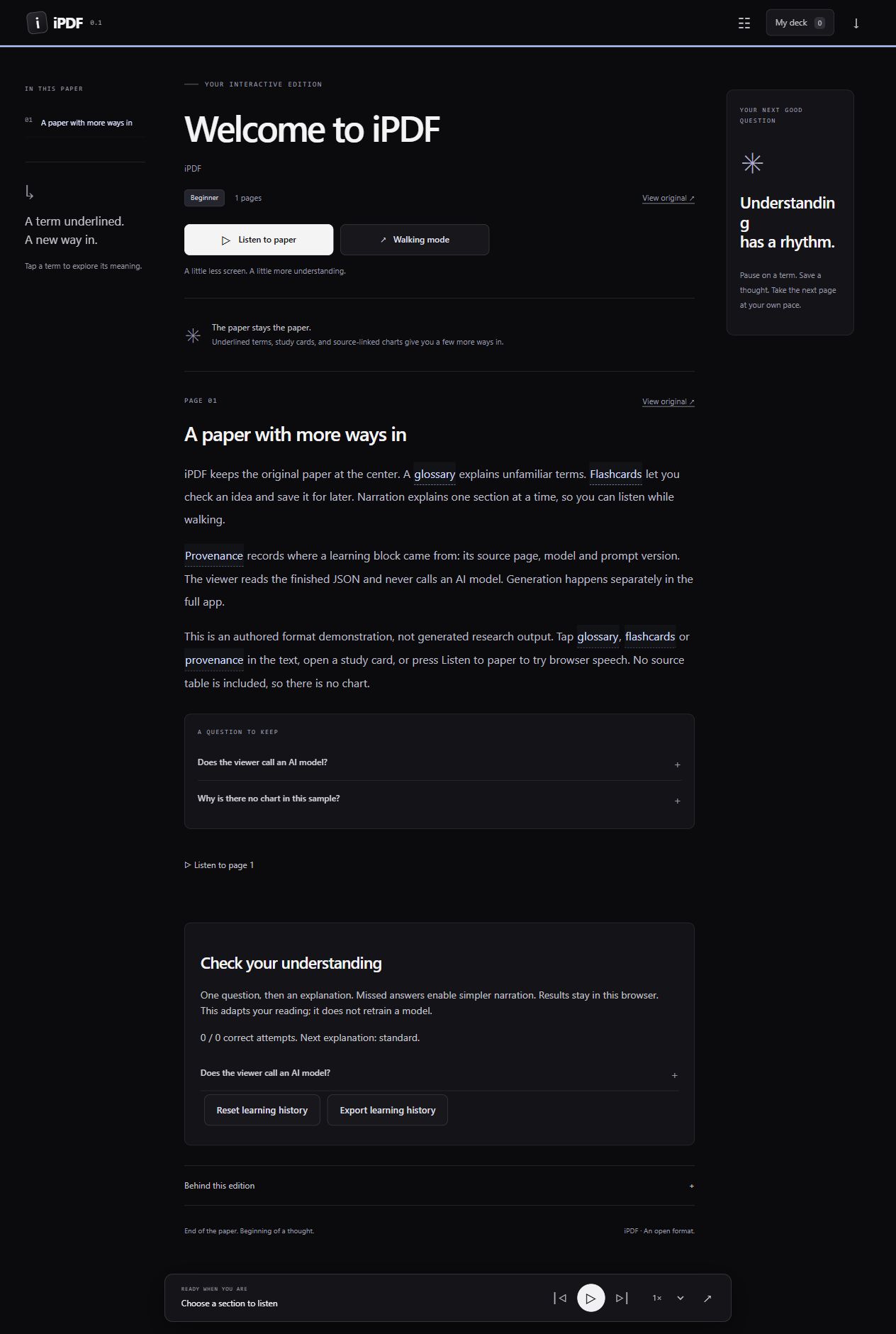
The public iPDF reader's authored format demonstration. It shows the reading and study interface; this sample is not generated research output.
You can explore the public reader and sample or inspect the source code. The current application uses hosted inference; the static reader opens prepared editions in the browser.
The payoff I can point to is the workflow: collecting relevant papers, arranging explanations, keeping source references, and carrying those ideas into a reading tool. I have not measured hours saved or learning gains. The project gave me a concrete way to make the preparation around research less repetitive, one paper at a time.